Dorothy Delong
Dorothy DeLong: Documentary Portfolio & Licensing Platform
The Hook: How I designed a mobile-first portfolio for a feminist documentary photographer—marrying an immersive gallery aesthetic with strategic licensing and narrative-driven interactive maps.
The TL;DR

The Challenge: Portfolios focusing on candid, everyday imagery need to honor the raw authenticity of the moments captured without feeling overly corporate, while still providing a clear business path for publishers and curators.

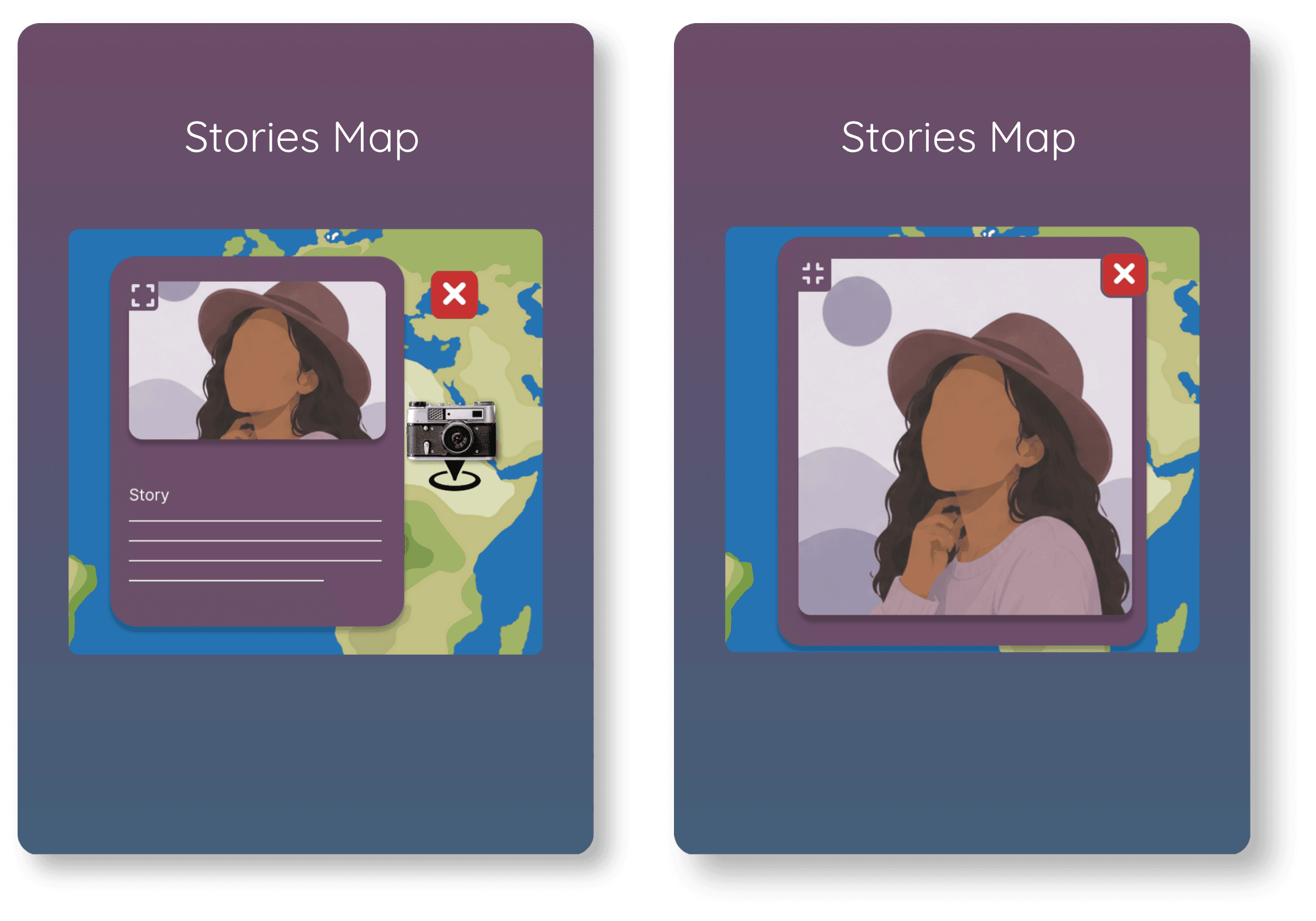
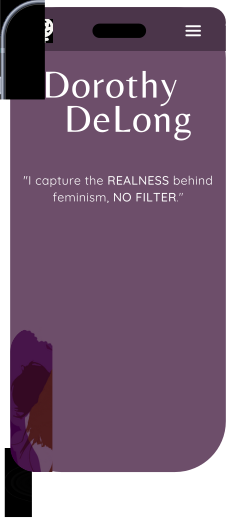
The Strategy: Drawing inspiration from minimalist, content-focused editorial layouts, I curated an accessible digital experience using a sophisticated font pairing of Belleza and Quicksand. To emphasize the real-world context of her work, I designed an interactive map section that links geographic pins directly to the rich background stories of the women and spaces captured.

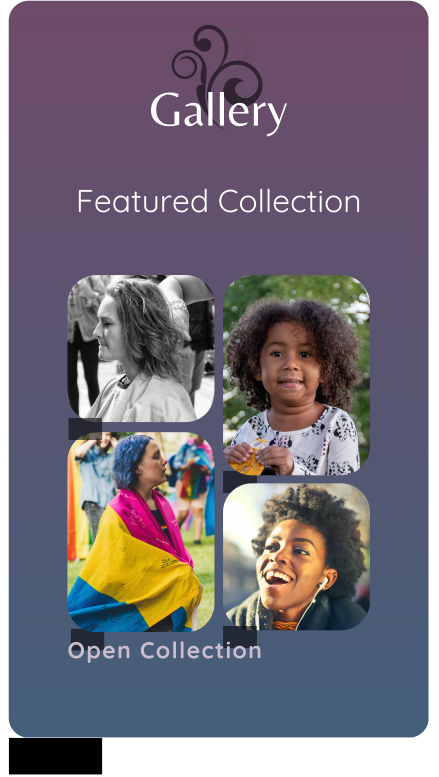
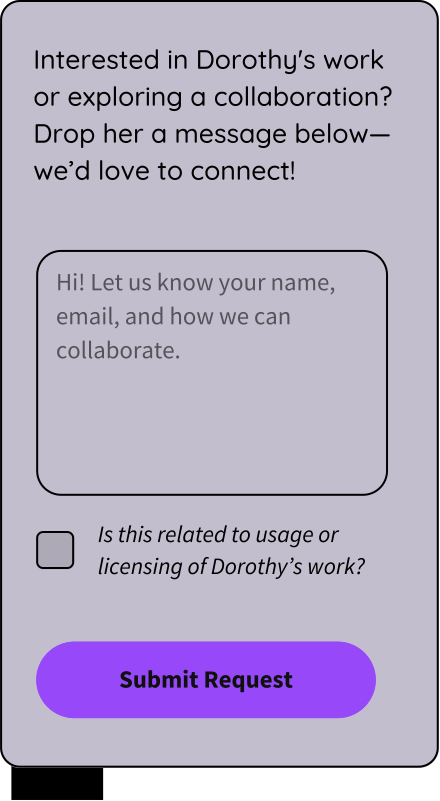
The Outcome: Optimized the user experience through usability testing by replacing ambiguous image grids with explicit "Open Collection" signifiers and transforming a rigid contact form into an approachable, conversational inquiry system.
Quick Facts

Role: Lead UX/UI Designer

Timeline: 4 Weeks

Platform: Responsive Website

Audience: Art Collectors & Photography Enthusiasts

Industry: Arts & Culture
My Process
Dorothy DeLong is a photographer whose work celebrates femininity, identity, and quiet strength. As her audience grows, she’s seeking new ways to expand her connections in the art world.
Dorothy needed a portfolio website to showcase her work and simplify the licensing process, making it easier for galleries and publications to get in touch.
My Role
As the UX designer, my goal was to design a mobile-first portfolio website to support Dorothy’s outreach goals.
Deliverables
Color Scheme & Typography
Wireframes & Prototype
Competitive Analysis
Mobile-First Responsive Design
High-Fidelity Design & Visuals
How might we design a portfolio to support Dorothy’s outreach goals?
The Design Process
Research & Analysis
To design a portfolio site that reflects Dorothy’s artistic vision and supports her goals, I led the research and design process by analyzing sites of artists in her genre.
Minimalist layouts
Clear CTAs for inquiries
Effective photography display
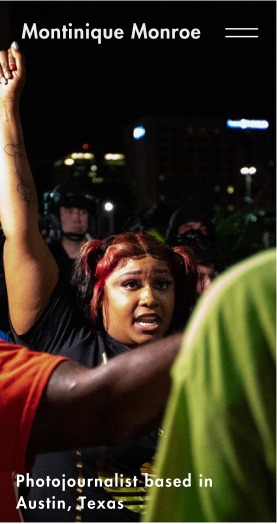
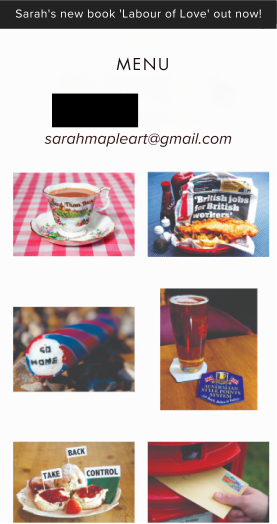
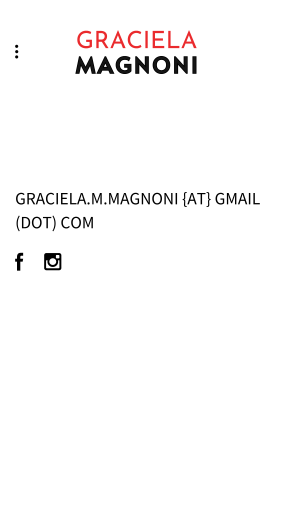
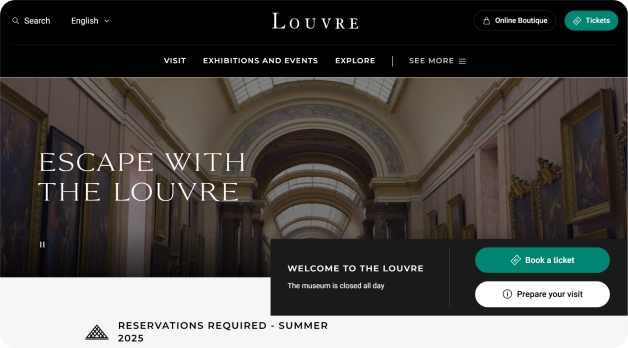
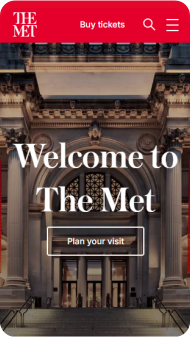
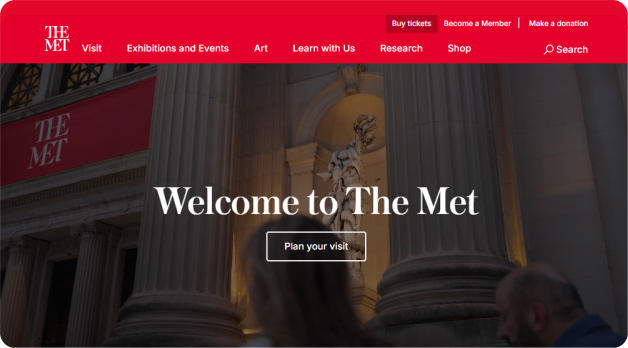
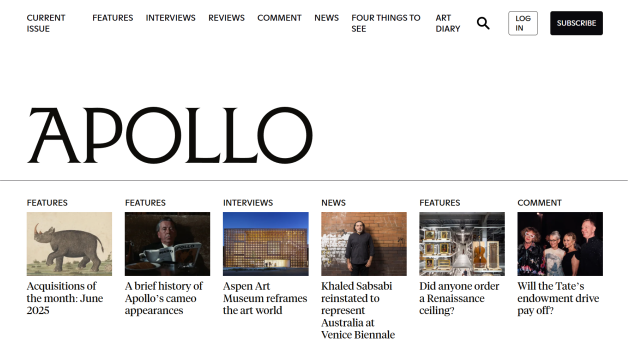
To complement this research, I reviewed magazine and museum websites—Dorothy’s ideal collaborators—as secondary sources. These helped inform design decisions that make it easier for curators and editors to explore her work and reach out.
Prominent call-to-action buttons
Sticky navigation
Clear content organization

User Flow & Wireframes
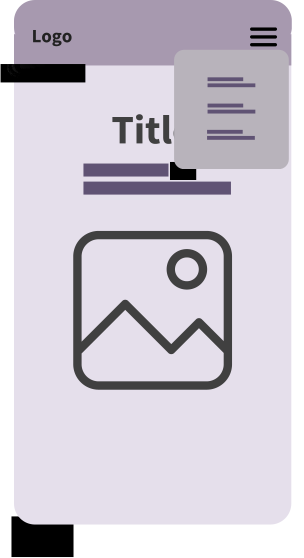
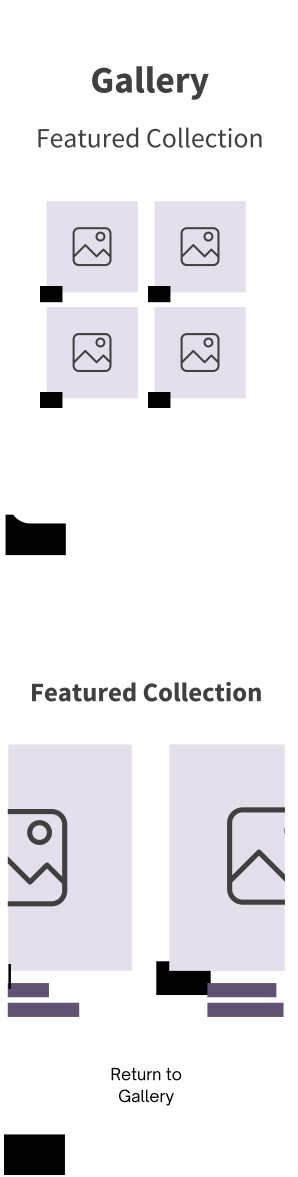
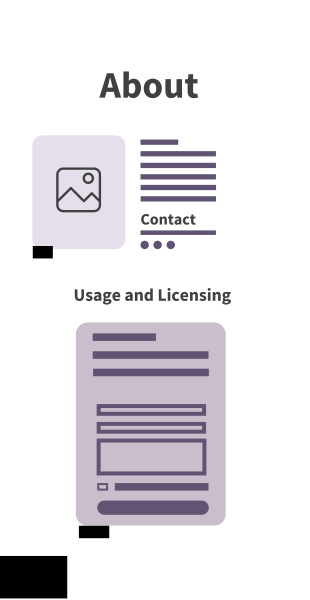
To create a seamless and user-friendly experience for Dorothy’s portfolio, I designed an intuitive user flow that guides visitors through her gallery, mission, and contact and licensing options.
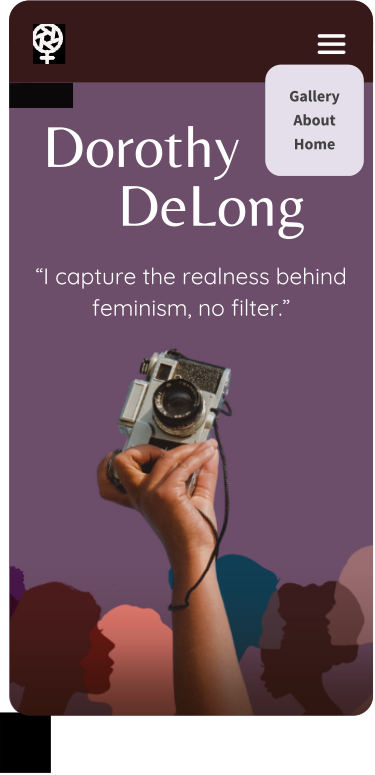
User taps the hamburger menu to reveal the navigation options: “Gallery”, “About”, and “Home”.

Other Actions:
Color & Typography
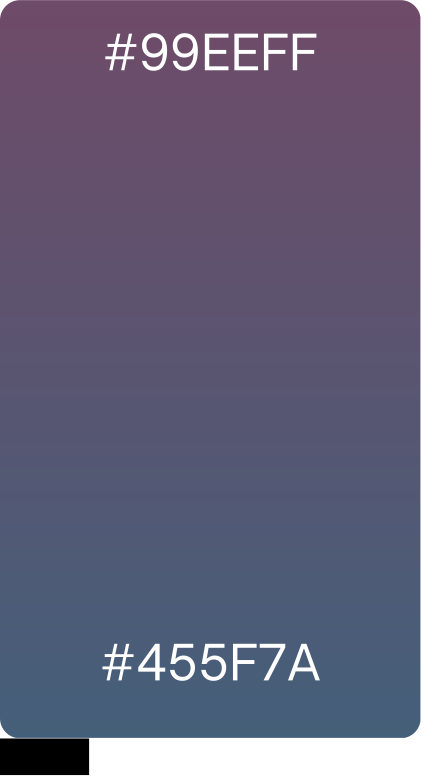
For Dorothy’s portfolio, I chose to pair Belleza and Quicksand to reflect both the elegance of her artistic work and the accessibility of her brand identity.
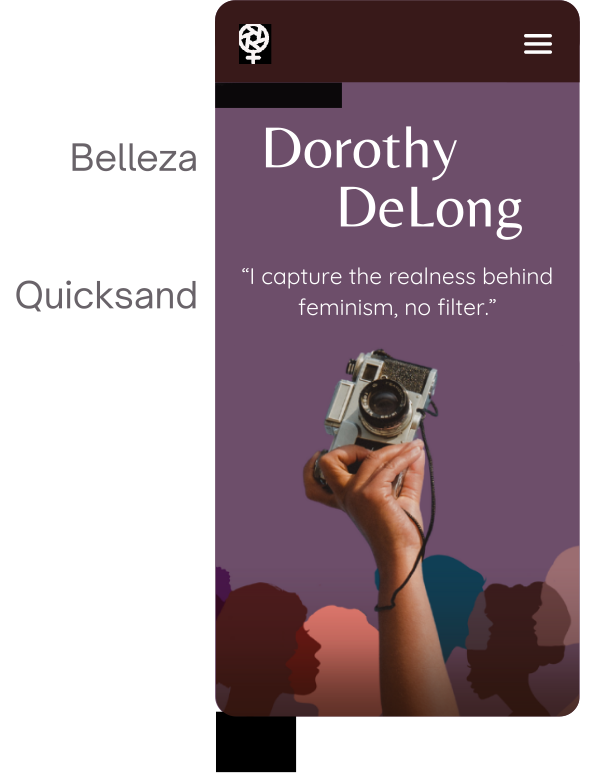
Belleza was used for headings and key titles:
Its refined structure brings sophistication and a gallery feel, reinforcing the timelessness of her work.
Quicksand was used for body text:
Its rounded forms add warmth and make the content feel more welcoming.
Designed for Connection
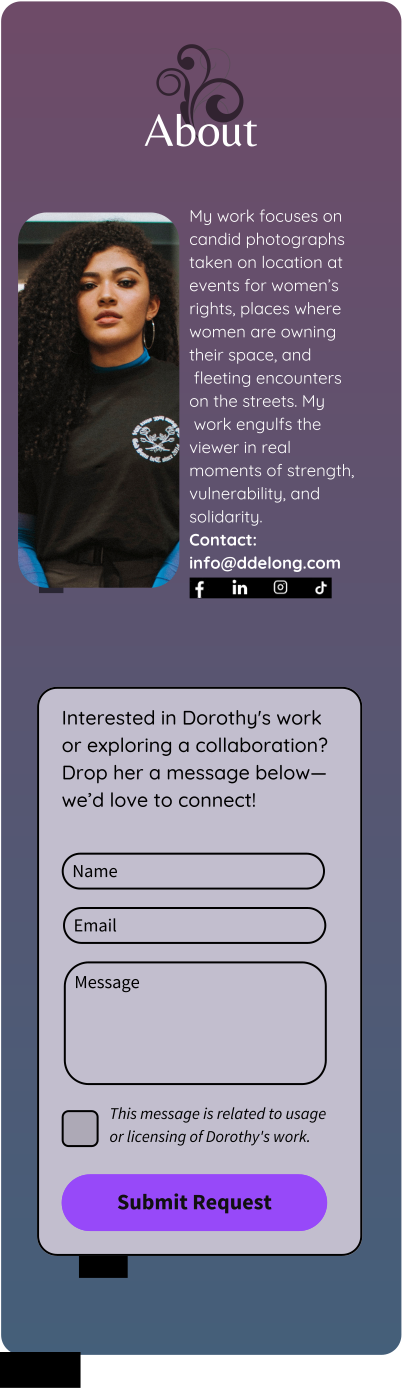
This section showcases the final design and highlights how key interactions were crafted to support exploration and engagement. From browsing Dorothy’s gallery to reading her story and reaching out, each screen demonstrates a seamless, intuitive experience built with her audience in mind.
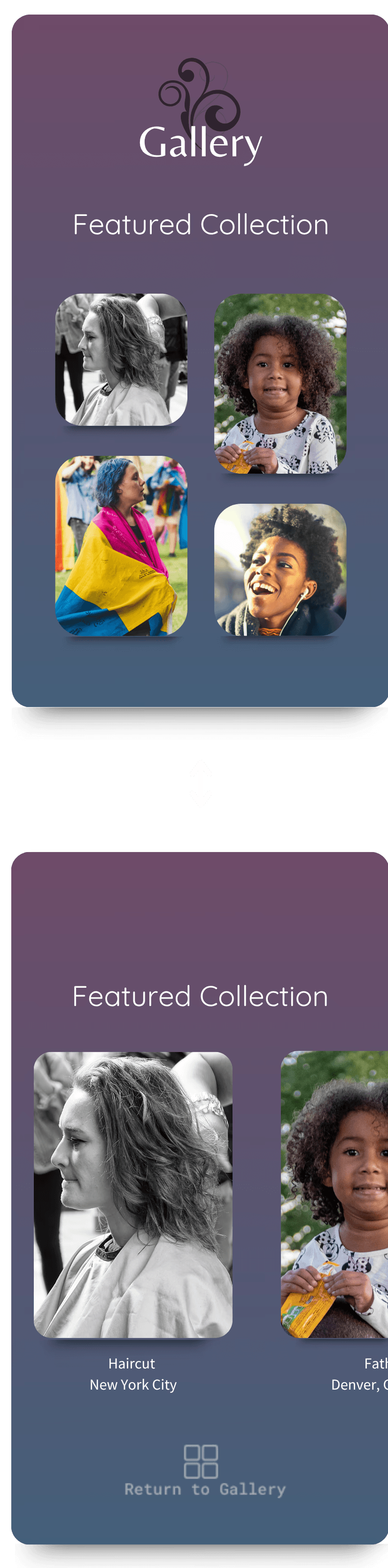
I added a dedicated section to spotlight her work, making powerful images instantly accessible to visitors.
Usability Testing
To ensure the website met Dorothy’s goals, participants tested key features and provided feedback on functionality, clarity, and ease of use.
Finding & Previewing Work
Contacting Dorothy for Collaborations
Competitive Analysis
Competitive analysis revealed that successful photography portfolios showcased a much larger body of work, encouraging visitors to continue exploring. However, Dorothy wanted a more engaging experience than traditional gallery categories. To address this, I introduced two complementary solutions: a Latest Works section and an interactive Stories Map.


These solutions make Dorothy’s portfolio a dynamic space that showcases her creativity, connects with her audience, and strengthens her presence in the field.
Outcome Summary
Participants celebrated the portfolio for its clear layout, smooth navigation, and strong potential to spark collaboration.

Accessibility Considerations
Accessibility was built into both the design and presentation of this project. I used clear visual hierarchy, strong color contrast, and meaningful alt text to support screen readers and visual clarity. Navigation was simplified for easy use on smaller screens, and tap targets were sized for accessibility across mobile devices.
What I Learned
This project deepened my understanding of mobile-first design and how thoughtful details—like storytelling through maps or small interactive moments—can enhance both usability and emotional connection. It also reinforced the power of feedback, showing how one user’s insight can lead to a more refined and inclusive experience.